
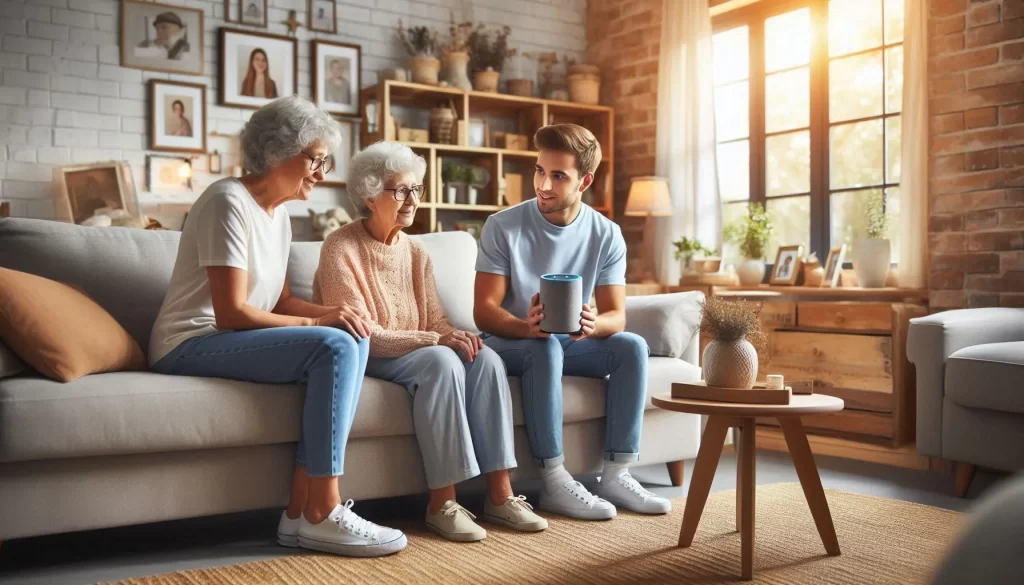
Most seniors I visit in Lakewood Ranch are not looking to turn their home into something out of a science fiction movie. They want to stop getting up in the dark to turn off a light. They want to answer the door without walking across the house. They want to adjust the temperature without getting off the couch.
That is what smart home accessibility actually looks like in practice. A few small devices that solve real daily problems. This guide covers the ones that make the biggest difference for seniors dealing with mobility, vision, or hearing challenges.
Voice Control: The Most Useful Starting Point
For seniors with arthritis, limited grip strength, or mobility challenges, a voice-activated speaker changes daily life in ways that are hard to overstate. You stop needing to reach for switches, fumble with remotes, or get up for things that used to require getting up.
An Amazon Echo or Google Home speaker sits on a table and responds to your voice. You can turn lights on and off, adjust the thermostat, make phone calls, set medication reminders, and control other smart devices — all without touching anything.
I cover the most practical commands in my guide on Alexa tips for senior independence, and the differences between Amazon and Google devices in my post on Echo vs Google Home for seniors.
Smart Lighting: Safer Hallways, No Reaching Required
Nighttime falls are one of the most serious risks for seniors living alone. Walking through a dark hallway to find a light switch is exactly the kind of situation smart lighting eliminates.
Motion-activated lights turn on automatically when you walk by — no switch, no fumbling, no dark hallways. Smart bulbs controlled by voice mean you can turn off the bedroom light after you are already in bed. Scheduled lighting means certain lights come on and go off on their own at times you set once and never have to touch again.
For seniors with vision challenges, brighter bulbs in key areas and higher-contrast lighting in the bathroom and kitchen make a practical difference. I cover setup options on my smart plugs and lights for seniors page.
Video Doorbells: Answer the Door From Your Chair
A video doorbell lets you see who is at your front door from your phone, tablet, or smart display — without getting up. You can speak to the visitor through the doorbell’s built-in speaker. If you do not want to engage, you do not have to.
For seniors with hearing loss, most video doorbells send a visual alert to a phone or tablet so a missed ring is not a concern. For seniors who move slowly, it removes the pressure of rushing to the door before someone leaves.
I wrote a full guide on video doorbells for seniors in Lakewood Ranch that covers what to look for and how setup works.
Smart Thermostats: Set It Once
A smart thermostat adjusts temperature on a schedule so you do not have to remember. If you get cold in the evening or warm in the afternoon, you set the schedule once and it handles itself from there.
For seniors who find the walk to the thermostat difficult, being able to say “Alexa, set the temperature to 72” from across the room removes a real daily friction point. For seniors splitting time between a northern home and a Florida rental, a smart thermostat can also be controlled remotely from a phone — which means the AC can be running before you arrive.
Smart Plugs: The Easiest Starting Point
A smart plug costs around $15 and turns any standard lamp, fan, or appliance into something controllable by voice or schedule. There is no wiring involved. You plug it into the wall, plug the lamp into it, and it is done.
For seniors who are not sure whether smart home technology is right for them, a smart plug is the lowest-risk way to find out. Try it on one lamp. If it feels useful, add another. If not, unplug it and nothing has changed.
Hearing Accessibility: Devices That Work Without Sound
Several smart home features are specifically useful for seniors with hearing loss. Smart doorbells with visual phone alerts mean a missed ring does not mean a missed visitor. Smart speakers can be set to flash lights on compatible bulbs when a timer goes off instead of — or in addition to — making a sound. Captioning on video calls through an Echo Show or Google Nest Hub makes conversations easier to follow.
If hearing is a specific concern, I can set up devices during a home visit specifically around visual and vibration-based alerts rather than audio-only ones.
Where to Start
Pick one problem that genuinely affects daily life and start there. For most seniors that is lighting or voice control. Get comfortable with one device before adding a second. The goal is not a fully automated home — it is a home that is a little easier to live in.
I make home visits throughout Manatee County — Lakewood Ranch, Bradenton, Parrish, and Palmetto. I can recommend the right devices for your specific situation, get everything set up, and walk you through how to use it before I leave. Visit my smart home setup guide for seniors for more on where to start, or contact me here to schedule a visit.