
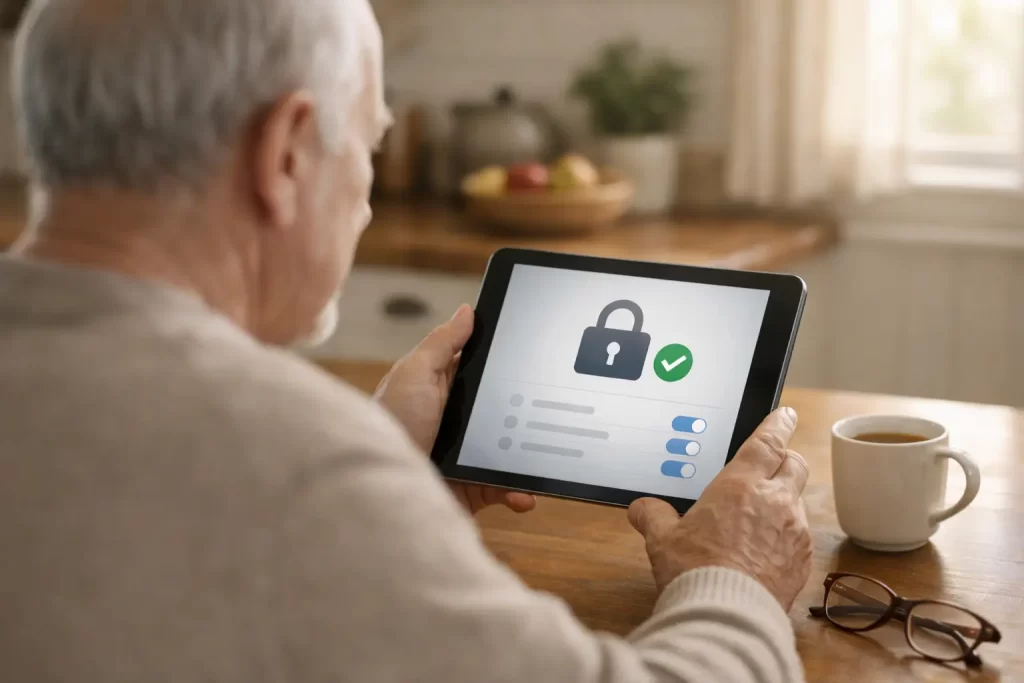
How I Secured My Facebook Account After Login Alerts
During the last week of December 2025, I started getting alerts from Facebook saying someone was trying to log into my account.
One attempt came from Kenya. Another came from Mexico. Facebook blocked them, but seeing those notifications immediately made me uneasy.
My Facebook account is not just personal. It is connected to two business pages and new local groups I recently started. The thought of losing access made it clear I needed to act right away.
Why Facebook Login Alerts Matter for Seniors
When Facebook sends a login alert, it often means your email address or password has been exposed somewhere. That can happen through data breaches, reused passwords, or scam websites.
This is why online safety for seniors matters so much. Facebook scams targeting seniors are increasing, and scammers often test accounts quietly before trying again.
Even if Facebook blocks the attempt, the alert should never be ignored.
Step One: Changing My Facebook Password
The first thing I did was change my Facebook password. I used my iPad to generate a strong password instead of creating one myself.
A secure password should be long, unique, and never reused on another website. This step helps, but by itself it is no longer enough.
Turning On Two-Factor Authentication
Next, I went into Facebook settings and confirmed that two-factor authentication was turned on.
Two-factor authentication adds a second layer of protection. Even if someone knows your password, they still need a separate code to log in.
At first, my account was set up to receive those codes by text message.
Why I Removed Text Message Security Codes
While researching online safety, I learned about SIM swapping scams. This happens when criminals trick a phone company into moving your phone number to their device.
If that happens, they can receive your text messages, including Facebook security codes.
Because my phone number is public due to my businesses, I decided text messages were not the safest option.
Switching to an Authenticator App
I removed text message authentication and switched to an authenticator app instead.
An authenticator app creates a new security code every 30 seconds and does not rely on your phone number. This makes it a safer choice for seniors.
Now my Facebook account is protected by a strong password and app-based two-factor authentication. Since making these changes, I have not received any new login alerts.
Why This Matters for Online Safety for Seniors
Seniors are often targeted because scammers assume accounts may have weaker security settings or outdated passwords.
The good news is that a few simple changes can greatly reduce the risk of losing access to your Facebook account.
Once these settings are in place, they work quietly in the background.
How I Can Help
This experience made me nervous, but it also reinforced why online safety matters.
I provide patient, in-home help for seniors who want to feel more confident using technology. You can learn more about my in-home tech support for seniors or reach out through my contact page if you would like help securing an account.
If sharing what I learned helps someone avoid stress or account loss, it is worth it.
Frequently Asked Questions About Facebook Security
Why are seniors targeted by Facebook scams?
Scammers often believe seniors may use simpler passwords or be less familiar with newer security settings.
Is two-factor authentication necessary?
Yes. Two-factor authentication is one of the most effective ways to prevent unauthorized access.
Are text message security codes safe?
Text messages are better than no protection, but they can be vulnerable to SIM swapping scams. Authenticator apps offer stronger security.
Can someone help me set this up?
Yes. Step-by-step guidance can make securing your account much easier and far less stressful.