
In Home Tech Help for Seniors Who Don’t Trust Remote Support
Patient, in-home tech help focused on safety, trust, and clear explanations
☎ Call NowIf you are skeptical about letting someone help you with your technology, that skepticism is earned. You have good reasons for it.
Fake tech support scams have been targeting seniors for years. Pop-ups that say your computer is infected. Phone calls from someone claiming to be Microsoft. People who get remote access to a device and then demand payment. These things happen constantly, and they have made a lot of older adults understandably wary of anyone offering tech help.
So before I say anything else: the distrust makes sense. This post is for seniors and families who want to understand the difference between a real tech scam and legitimate in-home help.
What Tech Support Scams Actually Look Like
Most legitimate tech support does not contact you. That is the clearest line to draw.
If a pop-up appears on your screen telling you to call a number, that is a scam. If someone calls you out of the blue claiming your computer has a virus, that is a scam. If an email tells you there is a problem with your account and asks you to click a link, that is almost certainly a scam.
Real tech help does not show up uninvited. You call someone, schedule a time, and they come to your home or you go to them. There is no urgency, no alarm, and no pressure to act immediately.
I have a full breakdown of one of the most common scams circulating right now in the AI voice scam guide. It is worth reading before you or a family member encounters it.
Why Seniors Are Targeted More Than Anyone Else
Scammers target seniors deliberately. They know that older adults are more likely to be polite, more likely to trust someone who sounds official, and more likely to feel embarrassed asking for a second opinion.
They also know that many seniors are not completely familiar with how technology works, which makes it easier to create panic. A pop-up that says "YOUR COMPUTER HAS BEEN COMPROMISED" is terrifying if you do not know that pop-ups cannot actually detect viruses.
Understanding this is not about assigning blame. It is about recognizing that the scams are sophisticated and designed specifically to get past careful people. Being fooled once does not mean you will be fooled again, especially once you know what to look for.
What Legitimate In-Home Tech Help Looks Like
Here is what a real in-home tech visit looks like, so you can compare it to what a scam looks like.
You find someone through a referral, a Nextdoor recommendation, a Google search, or a family member who did the research. You call or email them. You schedule a time that works for you. They come to your home, you let them in, and you stay present the entire time while they work.
They do not ask for remote access to your computer from a distance. They do not ask for payment before showing up. They do not create urgency or tell you something terrible is about to happen if you do not act now.
They show you what they are doing, explain it in plain English, and leave you with written notes. You pay at the end of the visit, in cash or by check, the same way you would pay a plumber or an electrician.
Questions Worth Asking Before You Let Anyone Help
If you are unsure about a tech support person, these questions can help you decide whether to trust them:
- Did I contact them first, or did they contact me?
- Can I find them on Google, Nextdoor, or through a local referral?
- Do they have reviews from real people in my area?
- Do they give me a clear rate before the visit starts?
- Will they work in my home while I watch, or do they want remote access from somewhere else?
About This Service
I run Tech Assist For Seniors out of Manatee County, Florida. I have been helping seniors in Bradenton, Lakewood Ranch, Parrish, and Palmetto for years, and most of my clients find me through a neighbor referral or a family member who looked me up and vetted me first.
My rate is $40 per hour with a one-hour minimum. I come to your home, I work with you present, and I never ask for remote access to your device from a distance. You can read reviews from real clients on my contact page or look me up on Nextdoor before reaching out.
I also cover scam awareness during every visit because I think it matters as much as anything else I do. If a senior leaves a visit knowing how to spot a fake pop-up or a suspicious phone call, that is worth more than any device I could set up for them.
If You Have Already Been Scammed
If you or someone you know has already been targeted by a fake tech support scam, you are not alone and it is not something to feel ashamed of. These operations are run by professional criminals who do this full time.
The post on what to do if you think you have been scammed walks through the steps to take, including how to protect your accounts and who to report it to.
You Get to Be Careful
Skepticism about tech support is not paranoia. It is a reasonable response to a real problem. The right kind of help will never make you feel rushed, pressured, or embarrassed for asking questions.
If you want to talk through your situation before committing to anything, reach out through the contact page. There is no pressure and no obligation to schedule anything until you feel comfortable.
About Me
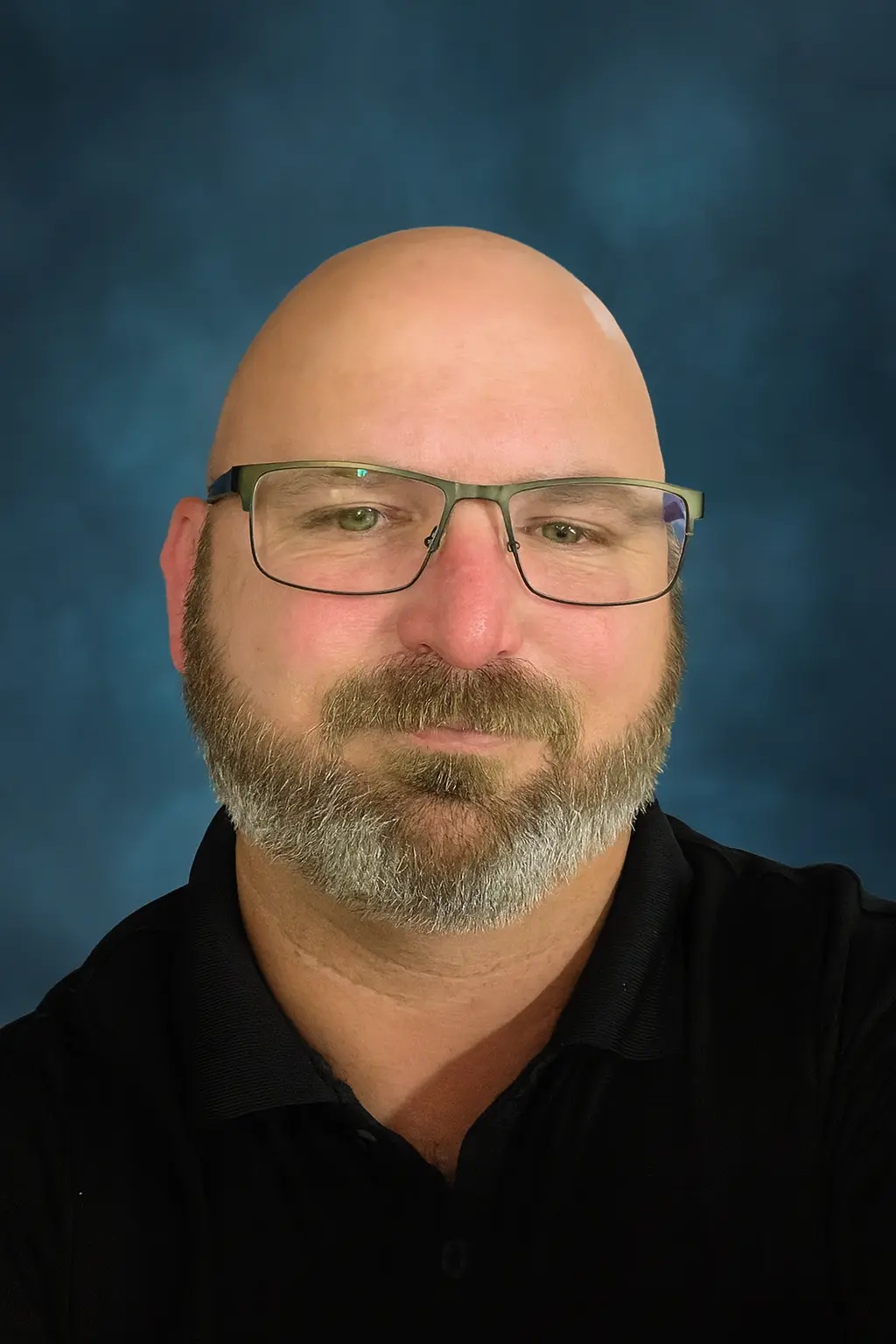
My name is Sean Gagne, and I run Tech Assist For Seniors. I help older adults and caregivers feel more comfortable using everyday technology through calm, one-on-one support.
I have a background in web design, digital tools, and online safety, and I enjoy turning confusing screens into simple, clear steps. Most of my clients are seniors living at home or in independent living communities who want patient guidance without pressure or judgment.
- Local and independent: You work directly with me on every visit, so you always know who is coming to your home.
- Senior-focused: I specialize in helping older adults and caregivers, not general computer repair or retail tech sales.
- Patient teaching style: I repeat steps, avoid jargon, and keep instructions calm, clear, and easy to follow.
My goal is to help you feel calmer, safer, and more in control when you use your devices, not overwhelmed or rushed.
Trusted By Seniors And Caregivers
"My desktop would not connect to Wi-Fi and I could not fix it. Sean came to my home, explained what was wrong, and had it working again. His rates were fair and he was very friendly."
M. L. Lakewood Ranch
Verified Nextdoor review
You always work directly with me. I am a local, one-person business, not a call center or a rotating group of technicians. The same person you speak with is the person who comes to your home.
Local trust commitment
I explain what I am doing before changing anything. No remote access, no surprise software, and no upselling. You stay in control of your devices at all times.
Safety-first approach
Caregivers and family members are always welcome to be present. I take time to answer questions, provide written notes, and make sure everyone feels comfortable before I leave.
Caregiver-friendly support
FAQS: Tech Assist For Seniors
What areas do you serve?
I provide in-home tech help throughout Sarasota County, with service also available in nearby Manatee County. This includes Sarasota, Lakewood Ranch, Bradenton, Parrish, and surrounding communities. If you are not sure whether your location is included, you can ask through the contact page.
How much does a visit cost?
My rate is $40 per hour with a one-hour minimum. If we go past the first hour, additional time is billed at the same hourly rate.
Do you work with seniors in independent living communities?
Yes. I regularly work with seniors who live independently, including those in independent living communities and private residences. If you are arranging help for a parent, you may also find this guide on how to arrange tech support for elderly parents helpful.
Can you help my parent if I am not present at the visit?
Yes. Many adult children live out of town or are unable to attend appointments. We can talk before and after the visit so you understand what was worked on and what to expect next.
What types of devices can you help with?
I help with smartphones, tablets, laptops, desktop computers, smart TVs, streaming devices, Wi-Fi, and smart speakers. For more details, you can visit my page on computer and internet help for seniors.
Can you help protect seniors from scams and pop-ups?
Yes. Scam prevention and online safety are a major focus of my work. You can learn more from my guide on senior scam awareness and protection.
How should we prepare for a tech visit?
It helps to gather your devices, chargers, passwords, and any notes or questions in one place. You can also review this simple guide on how to prepare for an in-home tech visit.
Ready to Make Your Devices Easier to Use?
If you or a loved one in Sarasota County needs calm, patient, in-home tech help, I am here to support you. I also serve nearby Manatee County, including Lakewood Ranch, Bradenton, and Parrish. We can take things one step at a time until your devices feel easier, safer, and less stressful to use.
You can call to talk through your concerns or schedule a visit when you feel ready. I am happy to answer questions first, explain how things work, and make sure you feel comfortable before we begin.