
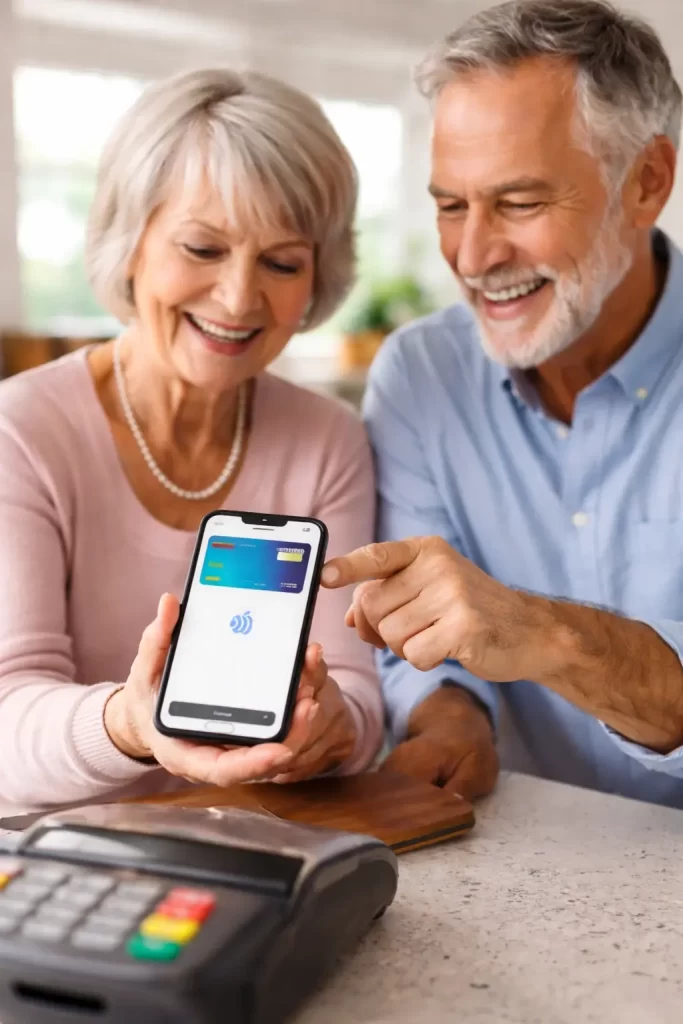
Is Apple Pay Safe for Seniors?
Many seniors still prefer using a physical credit card or debit card when shopping. It feels familiar and reliable. However, digital payments like Apple Pay are becoming more common, and many older adults are asking an important question: is Apple Pay actually safer than using a physical card?
In many situations, Apple Pay can be more secure than using a traditional card. It includes built-in protections that help reduce the risk of identity theft, card skimming, and credit card fraud. If you want Apple’s official overview, you can read more on Apple Pay.
Below, I explain how Apple Pay works, the pros and cons for seniors, and practical tips to use it safely.
How Apple Pay Works
Apple Pay is a digital wallet on iPhone and Apple Watch. Instead of handing your card to a cashier, you hold your iPhone or Apple Watch near the contactless payment terminal.
Before the payment goes through, Apple Pay requires verification using Face ID, Touch ID, or your device passcode. This extra step helps prevent unauthorized purchases.
How Apple Pay Protects Seniors From Fraud
Your card number is not shared with the store
When you use a physical card, the merchant processes your real card details. With Apple Pay, your actual card number is not sent to the store. Apple Pay uses tokenization, which replaces your card number with an encrypted device-specific number for payments.
If a store’s system is ever compromised, your real card number is far less likely to be exposed through an Apple Pay transaction.
Better protection against skimmers
Card skimmers are devices criminals attach to payment terminals, gas pumps, or ATMs to steal card information. Apple Pay transactions do not expose magnetic stripe data and do not transmit your real card number, which makes skimming much harder.
If fraud and identity theft are a major concern in your family, you may also want to read scam awareness for aging adults in Lakewood Ranch for common warning signs and prevention steps.
Biometric authentication is required
Apple Pay requires Face ID, Touch ID, or a passcode before it will pay. A physical card can often be used by anyone who has it. This is one reason Apple Pay can be safer for seniors who worry about lost wallets or stolen cards.
You can disable Apple Pay remotely
If your iPhone is lost or stolen, you can use the Find My app to lock the device, suspend Apple Pay, or erase the device remotely. This can protect your financial information quickly without needing to cancel every card immediately.
Pros of Apple Pay for Seniors
- Strong fraud protection: Apple Pay does not share your real card number with merchants.
- Face ID or Touch ID verification: Adds a personal security step before paying.
- Less fumbling with wallets: Helpful for seniors with dexterity or mobility issues.
- Fast, contactless checkout: Easier and often less stressful at busy registers.
- Remote protection if the phone is lost: Use Find My to lock or erase the device.
- Simple spending history: Transactions appear in Wallet, which can help with budgeting.
Cons of Apple Pay for Seniors
Technology learning curve
Some seniors are not comfortable setting up a digital wallet. Adding a card can involve bank verification steps that feel confusing at first. If the learning curve is the biggest hurdle, this may help: why seniors are afraid to press the wrong button.
Device dependency
If your phone battery dies or the device stops working, Apple Pay will not be available. Many seniors prefer to carry a physical card as a backup.
Not every store accepts Apple Pay
Most major retailers accept contactless payments, but some smaller businesses do not. This is another reason to keep a physical card available.
Phone theft concerns
A stolen phone can feel scary. The good news is Apple Pay still requires Face ID, Touch ID, or a passcode to pay, and you can lock the device remotely using Find My.
How Secure Is Apple Pay for Identity and Credit Card Fraud?
Apple Pay is generally considered one of the most secure ways to pay in person. It uses tokenization, encryption, and biometric authentication to reduce the chance your real card details are exposed.
No system is perfect, and scams still exist. The biggest risk for most people is not the payment system itself, but being tricked into sharing passwords or passcodes through phishing calls, texts, or emails.
Safety Tips for Seniors Using Apple Pay
- Use a strong iPhone passcode: Avoid simple codes like 1234 or 0000.
- Turn on Face ID or Touch ID: This is a key part of Apple Pay security.
- Keep iOS updated: Updates include important security fixes.
- Do not share your passcode: Not with friends, strangers, or someone calling “from the bank.”
- Be cautious with links in texts and emails: If you are unsure, do not tap the link.
Should Seniors Use Apple Pay Instead of a Physical Card?
For many seniors, Apple Pay can be safer than using a physical card because it does not share your real card number with the store and it requires Face ID, Touch ID, or a passcode for each purchase. It can also reduce the risk of card skimming.
At the same time, it is smart to keep a physical card as a backup for stores that do not accept Apple Pay or in case your device battery is low.
Need Help Setting Up Apple Pay?
If you are arranging tech help for an older parent and you want everything set up safely, you may find this helpful: how to arrange tech support for elderly parents in Florida.
If you are booking an in-home visit, this page explains what to do ahead of time: preparing for your in-home tech support visit in Lakewood Ranch.
If you would like help in person, you can contact me here: Tech Assist For Seniors contact page.