
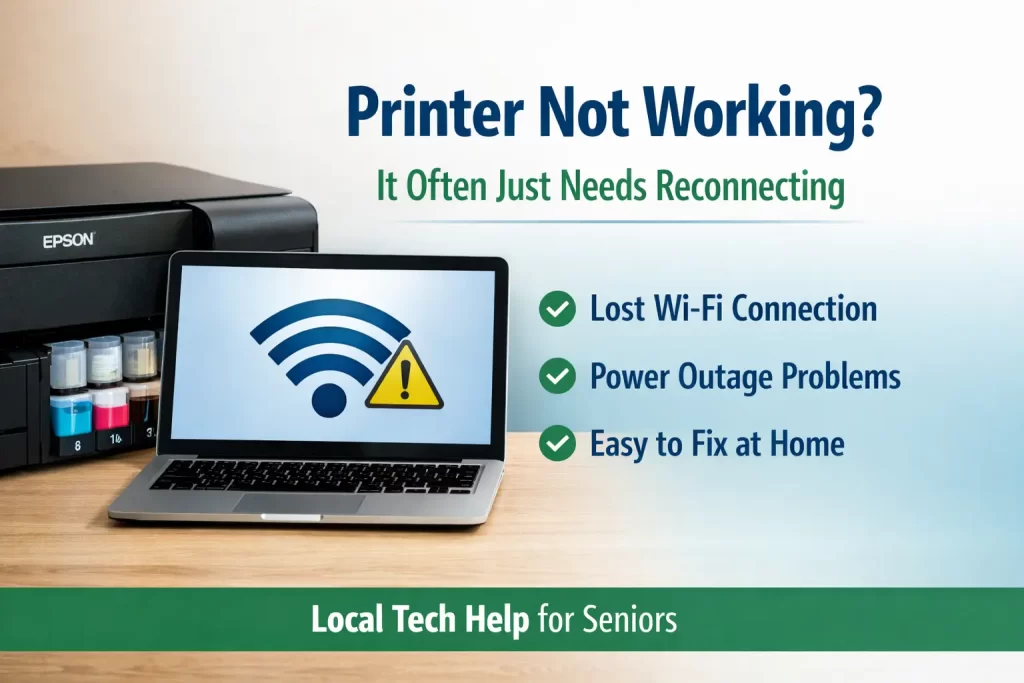
Printer Not Working? It Often Just Needs Reconnecting
I get many calls from seniors who believe their printer is broken. In most cases, the printer was working fine before and simply stopped connecting to the computer or Wi-Fi. This can feel frustrating and confusing, especially when printing is needed for important documents.
Very often, the problem is not the printer itself. It is a lost Wi-Fi connection, a power interruption, or a computer setting that changed quietly in the background. These issues are common and they are not caused by doing something wrong.
Why Printers Commonly Disconnect
Wireless printers rely on a steady Wi-Fi connection. If the power flickers, the router restarts, or the internet provider updates equipment, the printer can lose its connection. When that happens, the computer may no longer see the printer even though it is still powered on.
I often see this after storms, brief outages, or when a computer is shut down completely every day. While turning a computer off is not harmful, it can sometimes make reconnecting devices less predictable.
Why Some Seniors Buy a New Printer
When a printer disconnects once, it creates worry that it will keep happening. I recently worked with a client who had an HP printer that I previously reconnected to her Windows 11 laptop. Even though it was working, she remained concerned that it might disconnect again.
For peace of mind, she decided to buy a new Epson EcoTank printer with refillable ink. She read the product details carefully, followed all the instructions, and wanted everything fully set up in one visit so she would not have to worry later.
What Setup Looked Like During the Visit
We filled the ink together, printed test pages, connected the printer to Wi-Fi, and confirmed that it printed correctly from her Windows 11 computer. Everything worked exactly as it should.
Her main goal was not just to install the printer. She wanted confidence that it was fully ready to use. That is very common and completely reasonable.
Do New Printers Come With a Power Cord?
One important detail I learned on this visit is that many newer printers do not include a power cord. The product listing clearly stated this, and my client noticed it while shopping online. She correctly reused the power cord from her old HP printer, and it worked perfectly.
This is a good reminder that modern printers often assume an existing power cord will be reused. Reading product details carefully can prevent unnecessary worry or extra purchases.
When Printing Is Not the Only Challenge
Printer visits often lead to other questions. In this case, we also worked on scanning a document and preparing to email it. We successfully scanned the document, saved it, and opened an email draft.
The final step would have been attaching the file to the email. My client uses AOL email, and the attachment option was not immediately obvious. I suggested drag and drop, but she chose to stop and continue another time.
Solving a Hidden Windows Issue
While reviewing the scanned file, we discovered another issue. The PDF would not open because Windows was trying to use Google Chrome, which was not working correctly. We were using Microsoft Edge instead.
I showed her how to right click the file, choose Open With, and select Microsoft Edge. The file opened immediately. This is a very useful Windows skill that applies to many situations beyond printing.
Knowing When to Stop Is a Success
At that point, she decided to pause. She felt comfortable with what she learned and did not want to push further. Learning technology in stages is often the best approach, especially when working with scanning and email tasks.
Progress matters more than finishing everything in one visit. Stopping before frustration sets in helps build confidence.
Most Printer Problems Are Not Hardware Failures
In my experience, printers rarely fail suddenly. Most issues come down to Wi-Fi connections, software settings, or default programs on the computer. Reconnecting a printer is often a fairly simple process, even though it can feel intimidating.
If you are unsure whether your printer problem is something that can be fixed, this page explains what I fix and how I help during in-home visits.
When In-Home Printer Help Makes Sense
In-home help is especially useful when a new printer is involved, Wi-Fi has been unstable, or scanning and email tasks feel overwhelming. Having someone walk through the process calmly can save time and reduce stress.
You can also read about when in-home tech support makes sense if you are deciding whether to schedule a visit.
Local In-Home Tech Support
I provide in-home tech support for seniors in Manatee County, including printer setup, Wi-Fi troubleshooting, and everyday technology questions. My goal is to make technology feel manageable and less stressful, one step at a time.