
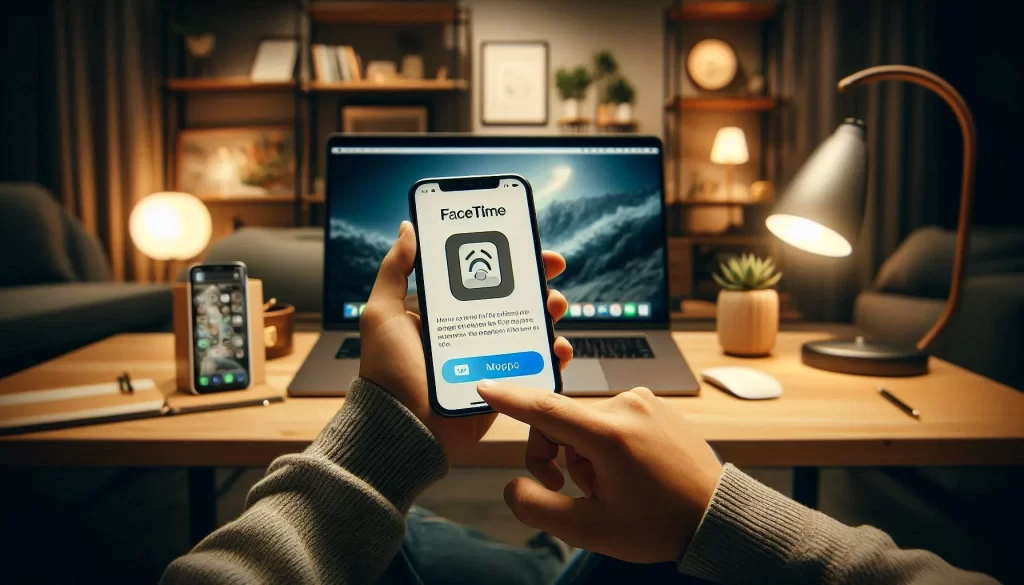
FaceTime Setup for Seniors in Lakewood Ranch
FaceTime setup for seniors in Lakewood Ranch, FL is easy when broken down into simple steps. Older adults in Manatee County use it daily to see family faces up close.
I set this up for seniors in their homes often. Tech Assist For Seniors gives patient, in-home Apple help in Lakewood Ranch, Bradenton, and nearby spots.
FaceTime is already on your iPhone, iPad, or Mac. It makes free video or audio calls over Wi-Fi or data.
Why FaceTime Works Well for Seniors
FaceTime feels natural and safe. You talk face-to-face from your favorite chair.
It is great for watching grandkids open gifts or sharing a quick story. No travel needed, and no extra app to learn.
Seniors like that it uses numbers or emails they already know.
What You Need Before Starting
Your device should run iOS 15 or newer on iPhone/iPad, or macOS Monterey or later on Mac. Most devices from the past decade handle it.
Connect to Wi-Fi for smooth setup and calls. Have your Apple ID ready.
If you lack an Apple ID or forgot it, I can help set one up or recover it on a visit.
Simple Steps to Turn On FaceTime
- Open the Settings app. Look for the gear icon on your home screen.
- Scroll down and tap FaceTime. On recent iOS, it appears directly in the list.
- Make sure the FaceTime toggle is green. Tap it if needed to turn it on.
- Sign in with your Apple ID when prompted. Type your email and password slowly.
- Check the phone numbers and emails listed. Tap to select the ones family can use to call you.
This lets loved ones reach you right away.
How to Make Your First Call
- Open the FaceTime app. It shows a green square with a white camera.
- Tap New FaceTime or the + button at the top.
- Enter a name from contacts, or type a phone number or email.
- Tap Audio for a voice call or Video for video.
- Wait for the other person to answer. The screen shows their face when connected.
Tap the red end button to finish the call.
Tips for Clear Calls
- Choose a bright room. Face a window for natural light on your face.
- Use a stand or stack of books to hold your device at eye level.
- Tap the mute icon during the call if you step away for a second.
- Switch cameras to show your view, like a blooming plant outside.
- Start with short practice calls to build confidence.
These small changes make chats feel more comfortable.
Common Fixes for Problems
- No connection? Check Wi-Fi or cellular. Restart your router if needed.
- Go to Settings > General > Software Update. Install any updates shown.
- Still stuck? Restart the device: hold the side button, slide to power off, then turn on again.
- Activation issue? Turn FaceTime off and on again in Settings.
I handle these fixes quickly during in-home sessions in Manatee County.
Get In-Home Help in Lakewood Ranch
FaceTime lets seniors in Manatee County stay connected without effort. Seeing family smiles brightens any day.
If the steps feel hard or something goes wrong, I come to your home for gentle help. Tech Assist For Seniors works with seniors only.
I set up Apple IDs, enable FaceTime, tweak settings for simplicity, and fix issues. It costs $40 per hour with a one-hour minimum.
Reach out today to book a visit in Lakewood Ranch, Bradenton, Parrish, Palmetto, or close by. We can get you on video calls with family soon.