In-Home Tech Support for Seniors in Southwest Florida
Patient, one-on-one help at home to make everyday technology easier to understand
If you or a loved one in Manatee County or Sarasota County is struggling with everyday technology, you are not alone. Phones, tablets, computers, smart TVs, and passwords are a source of real frustration for many older adults in Southwest Florida — and most of the time, the problem is not the person. It is that nobody ever sat down and explained things clearly.
I provide in-home tech support for seniors across Manatee County and Sarasota County, coming directly to your home so help happens where technology is actually used. No packing up devices, no waiting in a store, no rushed phone instructions. Just calm, one-on-one help at your own pace.
If you are not sure what kind of help you need, my page on when in-home tech support makes sense for seniors is a good place to start.
What In-Home Tech Support Actually Looks Like
Most visits start with one main problem — a phone that is too confusing, a TV that stopped working, a password nobody can remember. From there, we work through it together at whatever pace feels comfortable.
I explain what I am doing before I do it. I write simple notes you can keep. If something needs to be repeated, we repeat it. There is no timer running and no pressure to move faster than you are ready to.
- Device setup and cleanup: Phones, tablets, computers, smart TVs, and streaming devices set up the right way for how you actually use them.
- Passwords and accounts: Help getting back in, getting organized, and staying secure without making things more complicated.
- Scam awareness and safety: Understanding which pop-ups, calls, and emails are dangerous and what to do when something looks suspicious.
Who I Help in Southwest Florida
I serve seniors, retirees, and caregivers across two counties in Southwest Florida. Most of my clients live independently at home or in a retirement community and want patient, trustworthy help without the pressure of a big box store or a rushed phone call.
I also work with adult children and caregivers who are arranging help for an aging parent. If that is your situation, my guide on how to arrange tech support for elderly parents in Florida walks through exactly what to expect.
Areas I Serve
I provide in-home tech support across Manatee County and Sarasota County, including the communities below. If you are not sure whether your area is included, reach out on the contact page and I will let you know.
- Manatee County: Lakewood Ranch, Bradenton, Parrish, Palmetto, and surrounding areas. Learn more on the Manatee County in-home tech support page.
- Sarasota County: Sarasota, Venice, North Port, Palmer Ranch, Nokomis, and surrounding communities. Learn more on the Sarasota County in-home tech support page.
- Sun City Center: Serving seniors in Sun City Center and the surrounding Hillsborough County border area. Learn more on the Sun City Center in-home tech support page.
Why In-Home Help Works Better for Most Seniors
Remote support — phone calls, screen sharing, chat windows — can work for people who are already comfortable with technology. For most seniors, it adds confusion instead of removing it.
When I am in the room with you, I can see exactly what you are seeing. I can point at the screen, slow down when something is unclear, and make sure nothing gets skipped. That is a completely different experience from trying to follow instructions over the phone while staring at a screen that does not look the way the person described.
There is also a safety reason. Remote access tools are one of the most common entry points for scams targeting older adults. I never ask for remote access to any device. Every visit is in person. You can read more about why remote tech help often fails older adults and why that matters.
Common Tech Frustrations I Hear Every Week
In homes across Lakewood Ranch, Bradenton, Sarasota, and the surrounding area, the same concerns come up over and over. If any of these sound familiar, you are in the right place.
- "I am afraid I will press the wrong button and break something."
- "There are too many passwords and I cannot keep track of them."
- "I get strange pop-ups and calls and I am not sure which ones are scams."
About Me
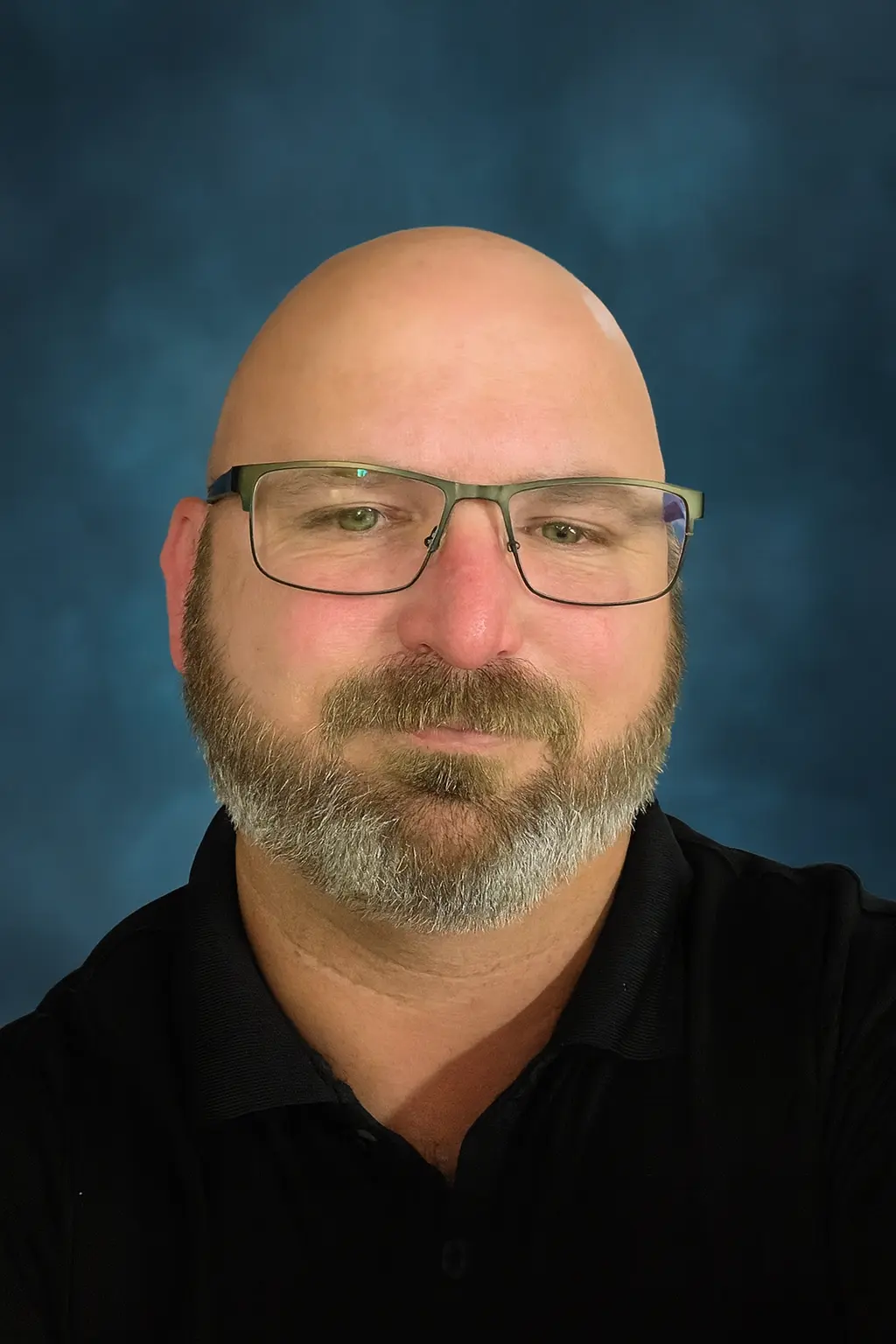
My name is Sean Gagne, and I run Tech Assist For Seniors. I help older adults and caregivers feel more comfortable using everyday technology through calm, one-on-one support.
I have a background in web design, user experience, coding, app development, and artificial intelligence. I enjoy turning confusing screens and settings into simple, repeatable steps that actually make sense.
You work directly with me every visit, and I specialize in patient help for older adults and caregivers. I repeat steps, slow things down, and explain things clearly.
My goal is to help you feel calmer and more confident using your devices, not overwhelmed or judged.
Pricing
My rate is $40 per hour with a one-hour minimum. There are no service fees, no travel charges within my service area, and no surprise add-ons. If a visit runs longer than an hour, additional time is billed at the same rate.
Most clients pay by cash, personal check, or mobile payment. You can find more details on the contact page.
Frequently Asked Questions
What areas do you serve?
I serve seniors across Manatee County and Sarasota County in Southwest Florida, including Lakewood Ranch, Bradenton, Parrish, Sarasota, Venice, North Port, and Sun City Center. If you are not sure whether your location is covered, just ask on the contact page.
How is this different from Geek Squad or calling the cable company?
Geek Squad and cable companies focus on their own products and move at their own pace. I focus entirely on you — your devices, your home, your comfort level. There is no upselling, no pressure, and no one reading from a script. Every visit is one-on-one and moves at your pace.
Can you help if my parent is nervous about having a stranger in their home?
Yes, and it comes up often. I am a local, independent business owner — not a franchise or a chain. Many families feel more comfortable once they know who is coming and what to expect. My guide on how to prepare for an in-home tech support visit helps families know exactly what the visit looks like from start to finish.
Do you help seniors in assisted or independent living?
Yes. I regularly visit seniors in independent living, assisted living, and memory care communities across Manatee and Sarasota Counties. You can learn more on the assisted living technology support page.
Can you help protect seniors from scams?
Yes. Scam awareness is a core part of every visit. I cover suspicious pop-ups, phishing emails, phone scams, and safe online habits. My senior scam protection guide for the Florida Gulf Coast is also a helpful resource.
What kinds of devices do you help with?
Smartphones, tablets, laptops, desktop computers, smart TVs, streaming devices, Wi-Fi routers, and smart speakers. For a full breakdown, visit my computer help for seniors page.
What if I just have a quick question before scheduling?
That is completely fine. Reach out on the contact page and I am happy to answer questions before you commit to anything.
Ready to Get Started?
If you or a loved one in Manatee County, Sarasota County, or the Sun City Center area needs patient, in-home tech help, I am here. We can take things one step at a time until your devices feel easier, safer, and less stressful to use.
Reach out on the contact page when you are ready. There is no pressure and no commitment required to ask a question.