
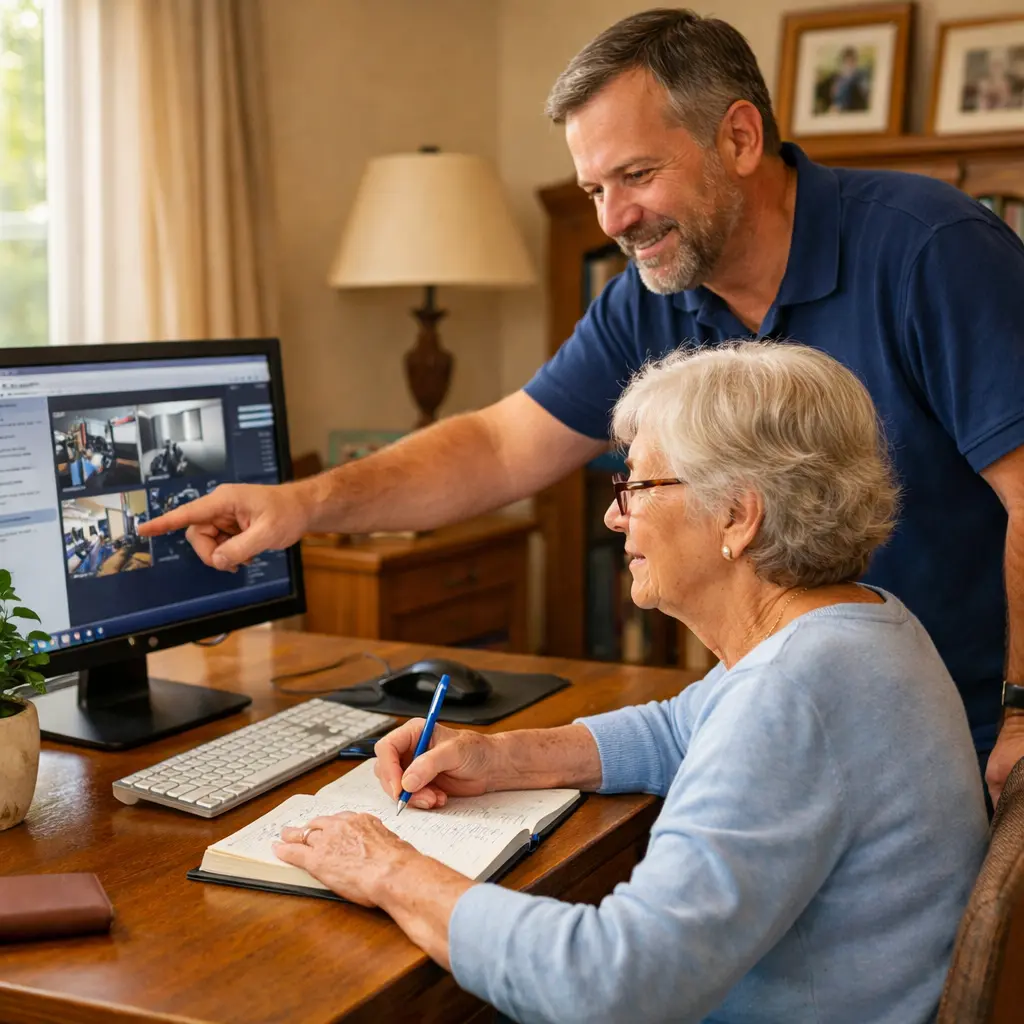
A Real Tech Visit in Bradenton
Recently during a tech visit in Bradenton, I helped a client install new camera software on her computer. We had everything set up correctly, and the next step was showing her how the program worked so she could monitor the camera herself. She sat at the desk, carefully following along while writing notes in a notebook.
At the same time, she was listening to my explanation, trying to understand the program, moving the mouse, and writing down steps so she would remember later. After a while she paused, looked up, and said she felt tired and that it was becoming too much to process.
This happens more often than people realize. When someone is learning new technology, especially later in life, there can be a lot happening at once. Sometimes the best decision is simply to stop for the day and continue another time.
Helping Seniors Learn Technology Takes Patience
One of the most important parts of helping seniors learn technology is understanding that learning speed is different for everyone. Many older adults did not grow up with computers, smartphones, or online accounts. Even basic tasks can involve multiple steps that must be remembered in the correct order.
During a typical session, a client may be doing several things at once. They might be trying to read small text on the screen, follow instructions, move a mouse or tap a phone, and write notes at the same time. It is a lot of information to process in a short period of time.
When that mental load builds up, it is completely normal for someone to feel tired or overwhelmed. In those moments, slowing down or stopping is often the best choice. Many of the visits I make involve helping older adults feel comfortable with everyday tasks like email, video calls, and basic computer use. If you’re looking for more details about this type of help, you can read more about my computer help for seniors service.
What I Notice During In-Home Tech Visits
Working one-on-one with seniors in their homes across Manatee County and the Lakewood Ranch area has shown me some common patterns when someone is learning a new device or program.
- Clients often want to write everything down. Many people prefer to keep their own notes so they can review the steps later.
- Passwords and usernames can create stress. Keeping track of login information is one of the biggest challenges.
- Too many steps at once can feel overwhelming. Even simple tasks can become complicated when several steps are introduced quickly.
- Fatigue can appear suddenly. After concentrating for a while, clients may say they feel tired or need a break.
None of this means someone cannot learn the technology. It simply means the lesson may need to slow down or continue another day. Many seniors I work with are learning how to manage everyday devices like printers, smartphones, and computers, which is why I also offer printer troubleshooting support for seniors when devices stop working or become confusing to reconnect.
Why I Never Pressure Clients to Continue
One of the most important things I do during a tech visit is remain calm and patient. When a client says they feel overwhelmed or tired, I do not push them to keep going. Learning technology should never feel stressful or rushed.
Sometimes I will write down notes for them so they do not have to worry about capturing every detail. Other times they prefer to write the steps themselves, which helps them remember later. Both approaches work well as long as the pace feels comfortable.
If someone reaches the point where they feel overloaded, we simply pause. In many cases the client asks me to come back another day so we can continue the lesson once they feel refreshed.
Why a Second Visit Often Works Better
Many people assume a tech problem needs to be solved in a single appointment. In reality, learning often works better when it happens in smaller sessions.
A second visit allows the client to review their notes, practice the first steps, and feel more confident before moving on to the next part. When we return, the process usually goes much smoother because the information has had time to settle in.
Instead of trying to remember everything at once, the lesson becomes a gradual learning process. This approach helps protect confidence and makes the technology feel more manageable. This is one reason many families look for in-home tech support for seniors, where lessons can happen at a comfortable pace inside the client’s own home.
Tips for Seniors and Caregivers
If technology sometimes feels overwhelming, there are a few simple strategies that can make learning easier.
- Take breaks when needed. It is perfectly okay to pause a lesson and continue later.
- Write down important steps. Keeping notes can make it much easier to remember how something works.
- Focus on one task at a time. Learning smaller pieces first helps avoid information overload.
- Ask questions. Repeating a step or explanation is a normal part of learning.
- Work with someone patient. The right helper will move at a comfortable pace and avoid rushing.
Technology should make life easier, not more stressful. Learning at a slower pace often leads to much better results.
Patient In-Home Tech Support for Seniors
Feeling overwhelmed while learning technology is extremely common, and it does not mean someone cannot learn. Sometimes the best step is simply to pause, review the notes, and continue another day.
At Tech Assist For Seniors, I provide patient, in-home technology help for older adults across Manatee County, including Bradenton, Parrish, and Palmetto, as well as the Lakewood Ranch area. My goal is to make technology easier to understand without pressure or frustration.
Visits are $40 per hour with a one-hour minimum, and I work directly with seniors in their homes so they can learn using their own devices in a comfortable environment.
If technology has started to feel overwhelming for you or a loved one, you can learn more about my services or reach out through the contact page.