
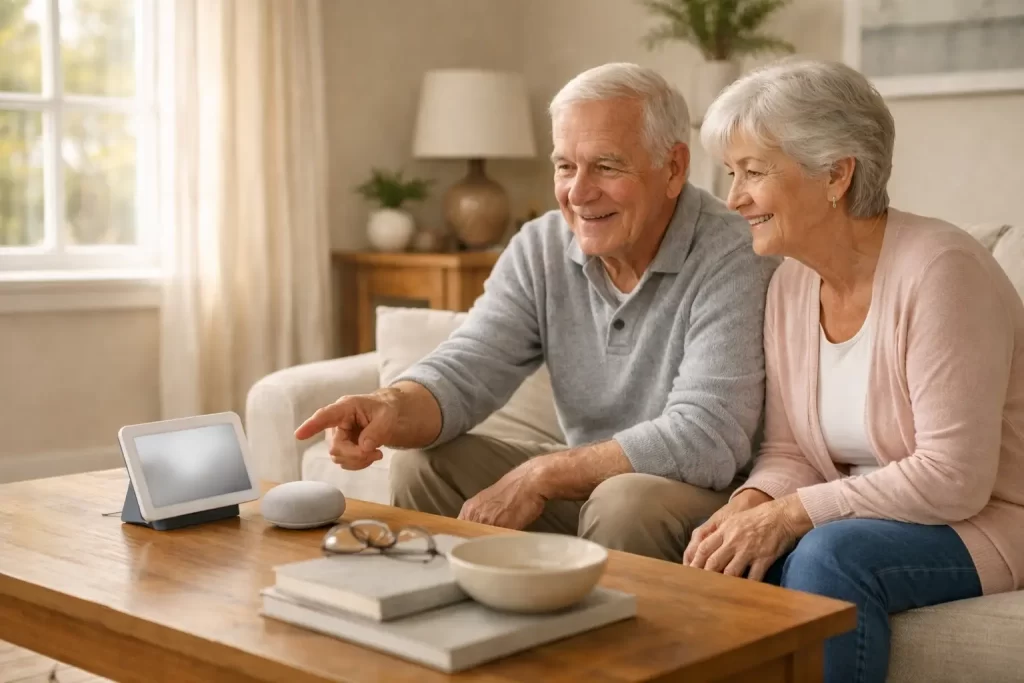
Many older adults and caregivers wonder if smart home devices are actually easy to use, or if they will just add more frustration. That concern is valid. The good news is that the Google Nest Hub can be easy for older adults to use when it is set up around simple, everyday needs.
If you are exploring smart home help for aging in place, you may also like my guide on senior-friendly smart home setup, which explains the simplest ways to start without feeling overwhelmed.
The Short Answer
Yes, the Google Nest Hub is generally easy for older adults to use once it is properly set up. Voice commands and a clear visual display make it especially helpful for reminders, weather, news, and hands-free communication. However, too many features at once can feel overwhelming, so keeping it simple is important.
Why Google Nest Hub Works Well for Older Adults
Voice Commands Reduce Complexity
One of the biggest benefits for seniors is voice control. Simple phrases like “Hey Google, remind me to take my pills” or “What’s the weather today?” eliminate the need to tap screens or navigate menus.
If voice control is the main reason you want a smart device, you may also find my page on voice-activated smart home help useful, since it explains what voice assistants are best at in real homes.
A Screen That Reinforces Information
Unlike speaker-only devices, the Nest Hub displays reminders, calendars, photos, and video calls on a screen. Seeing information reinforces what is spoken and helps many older adults feel more confident.
For seniors who struggle with small text or confusing menus, smart home accessibility matters. I break down helpful options in smart home accessibility features seniors will love.
Reminders and Routines Support Independence
The Nest Hub can announce medication reminders, appointments, and daily routines out loud. A simple morning routine can share the time, weather, calendar, and reminders all at once.
For older adults with memory challenges, these prompts can support more independence, especially when the device is placed in a main living area where it is easy to hear.
Easy Connection With Family
Once set up, video calls can help older adults stay in touch with family without handling a phone or tablet. Calling is often as simple as asking the device to place the call.
If video calling is a priority, you may also want to compare other simple options in my guide to senior-friendly video calling devices.
Common Challenges to Be Aware Of
Initial Setup May Require Help
The initial setup usually requires a smartphone, Wi-Fi access, and account sign-in. This part is often best handled by a family member or caregiver. After setup, daily use is much simpler and more comfortable.
Too Many Features Can Be Confusing
The Nest Hub can do a lot, but that does not mean all features should be used. Enabling too many options at once can lead to confusion. I recommend starting with a short list: reminders, weather, music, and calling.
Voice Recognition Works Best in Quiet Spaces
Voice recognition generally works well, but it performs best with clear speech and minimal background noise. If a senior has a very soft voice or a noisy TV room, small adjustments can help, like lowering background volume or using shorter commands.
Best Ways Older Adults Use Google Nest Hub
- Medication reminders announced out loud
- Appointment alerts with visual confirmation
- Morning routines for time, weather, and calendar
- Video calls with family members
- Voice control for lights or thermostats
Is Nest Hub Better Than Alexa for Seniors?
It depends on what the senior needs. Some older adults prefer the Nest Hub because the screen adds clarity and reassurance. Others prefer Alexa devices because they are common and easy to place in multiple rooms.
If you are deciding between them, my comparison page can help: Echo vs Google Home for seniors.
Final Verdict
The Google Nest Hub can be a helpful and senior-friendly device when it is set up with intention. By keeping features limited to what truly helps, many older adults feel more confident and independent rather than overwhelmed.
If you want a simple, stress-free setup that matches your home and your routines, start with basics and build slowly. That approach usually makes the difference between “I love it” and “I never use it.”