
Remote tech help sounds convenient. Someone connects to your computer, moves the mouse, clicks a few things, and the problem appears to be fixed. But in my experience visiting seniors in Lakewood Ranch, Bradenton, and across Manatee County, remote help often causes more confusion, more anxiety, and more risk than it solves.
Many seniors tell me they feel uncomfortable when someone they cannot see takes control of their computer. That instinct is not paranoia. In many cases, it is good judgment. If you want to understand the difference, read more about why seniors prefer in-home tech help over remote support.
Remote Tech Help Takes Control Away From the User
When tech help is done remotely, the person using the computer is no longer in control. The mouse moves on its own. Windows open and close quickly. Settings change without explanation.
Even if the issue is fixed, the senior is often left thinking, “I have no idea what just happened.” That makes it harder to feel confident the next time something goes wrong and increases dependence on outside help.
In-home help works differently. When someone is sitting next to you, they can slow down, explain each step, and make sure you understand what is happening. That understanding matters.
Remote Access Is Commonly Used in Scams
One of the biggest reasons remote tech help is risky for seniors is how often remote access is used in scams. Many scams begin with someone pretending to be a trusted company.
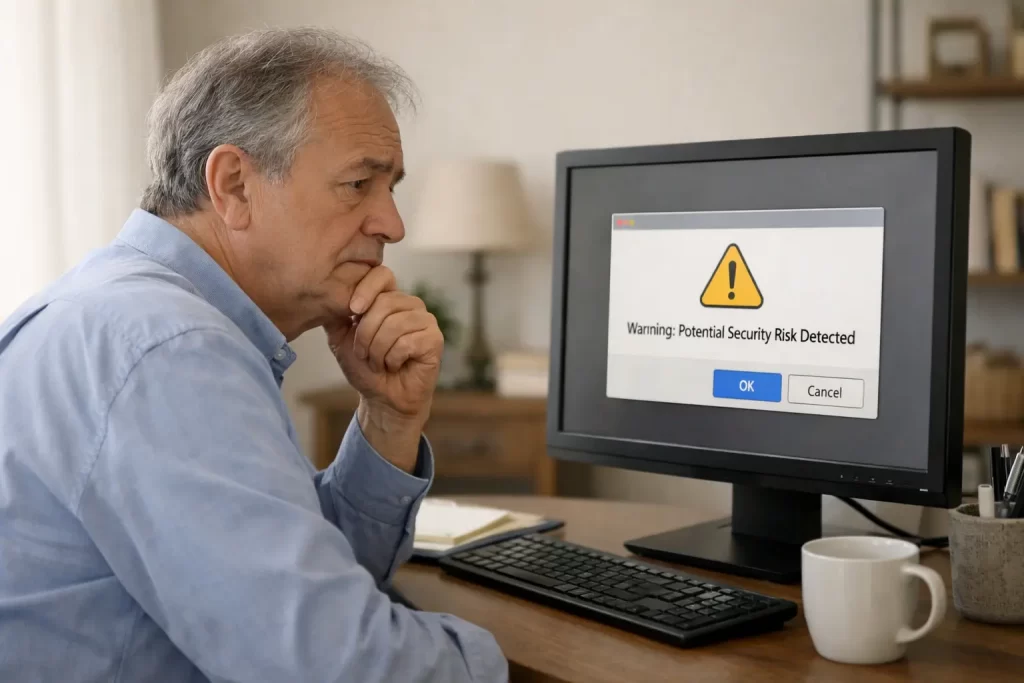
The most common impersonators I see in Manatee County are Amazon, McAfee, PayPal, and major banks. Seniors may receive a phone call, email, or pop-up warning claiming there is a problem with an account, a charge, or a security issue that needs immediate attention.
Once fear or urgency is created, the next step is almost always the same. The scammer asks the person to install remote access software such as AnyDesk or a similar program so they can “fix the problem.”
After remote access is granted, the scammer can see everything on the screen. They may watch keystrokes, access personal files, view financial information, and in some cases even activate webcams. All of this happens while the scammer appears to be helping.
I regularly watch scam awareness breakdowns that show exactly how these scams work. The pattern is consistent. A trusted company name is used, urgency is applied, remote access is requested, and sensitive information is quietly stolen.
Allowing full remote control of a computer gives someone enormous power. Unless that person is a trusted family member, it is an extremely risky decision. You can learn more in my scam protection guide for seniors on the Florida Gulf Coast.
Remote Help Often Creates Pressure and Confusion
Remote sessions tend to move quickly. The helper wants to fix the problem and move on. For seniors, this can feel overwhelming.
There is little time to ask questions or pause and understand what is happening. Seniors may be asked to click approval buttons or grant permissions they do not fully understand. Scammers rely on this exact behavior. They push people to act fast and discourage questions.
Why I Do Not Offer Remote Tech Support
I do not ask for remote access to any devices. I do not connect to computers from afar. All of my help is provided in person during an in-home visit in Lakewood Ranch, Bradenton, Parrish, and surrounding Manatee County communities.
This is a deliberate choice. In-home help allows me to:
- See the real setup: Wi-Fi, devices, and daily routines all matter.
- Explain each step clearly: Nothing happens without understanding.
- Reduce scam risk: No unknown software or remote connections.
- Build confidence: Seniors learn what to do the next time an issue comes up.
I also want to be clear about boundaries. I do not perform remote access, full data backups, data transfers, or internal hardware or screen repairs. My focus is on helping seniors safely and confidently use the devices they already have. You can see a full overview of what I cover on my computer help for seniors page.
When Remote Access Might Be Acceptable
The only time remote access may make sense is when a trusted family member is helping another family member and both people understand exactly what access is being granted. Outside of that situation, remote access creates too much risk, especially for older adults who are frequently targeted by scams. My guide on scam awareness for aging adults in Lakewood Ranch covers the most common tactics used today.
A Safer Option for Seniors
For many older adults, in-home tech help is the safer and more effective option. Being physically present allows problems to be solved calmly, questions to be answered, and safer habits to be built over time.
If you have a parent living alone who could benefit from a simpler, safer setup, you may also find my guide on tech help for aging parents who live alone helpful.
If you already have an in-home visit on the calendar, my guide on how to prepare for an in-home tech support visit covers the simple things that help a visit go faster and smoother.
If you are in Bradenton and looking for patient, in-home tech help without remote access or pressure, you can learn more about in-home tech help for seniors in Bradenton, FL. Technology should feel supportive, not stressful. The right kind of help makes all the difference.