
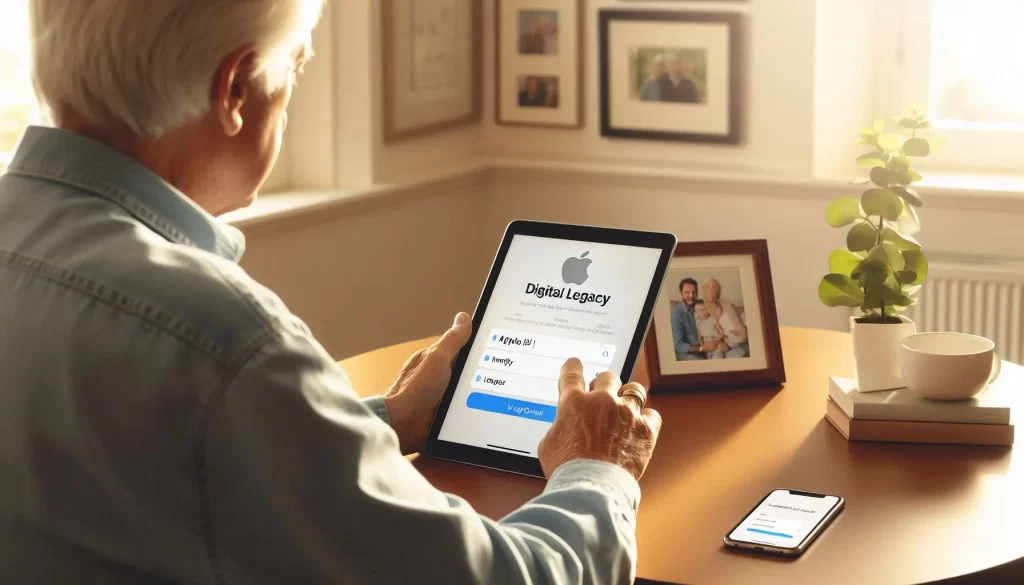
Helping Lakewood Ranch families protect photos, memories, and important digital information
When a spouse, parent, or loved one becomes seriously ill or passes away, families are often left trying to access photos, messages, notes, and documents stored on an iPhone or iPad. Unfortunately, many people discover too late that Apple accounts are tightly locked, even for immediate family members.
Apple now offers a feature called Digital Legacy that allows seniors to plan ahead by choosing a trusted person who can access their Apple account after death. This guide explains how Apple’s Digital Legacy tools work, how to set them up, and why this planning step matters for seniors and caregivers in Lakewood Ranch.
Why Planning Ahead for Apple Devices Matters
Most seniors store years of photos, notes, emails, and documents on their Apple devices. Without planning ahead, these digital memories can become permanently inaccessible. Families often reach out for help during stressful moments, especially after a hospitalization or loss.
This kind of planning is often part of broader tech help after a medical event, when families are already overwhelmed and need calm, patient guidance.
What Apple’s Digital Legacy Tools Do
Apple created Digital Legacy tools to allow families to access important iCloud data after a loved one passes away. These tools do not give full control of the account, but they do allow access to meaningful information.
The main feature is the Legacy Contact. A Legacy Contact is a trusted person you choose ahead of time who can request access to your Apple data when needed.
How to Set Up an Apple Legacy Contact
Setting up a Legacy Contact takes only a few minutes and can prevent significant stress later. This is one of the most important steps seniors can take to protect their digital memories.
- Open the Settings app on your iPhone or iPad.
- Tap your name at the top.
- Select Password & Security.
- Tap Legacy Contact.
- Choose a trusted family member or friend.
Apple will generate an access key that your Legacy Contact must keep. This key can be shared digitally or printed and stored safely. Without it, access will not be granted.
Apple’s official instructions can be found here:
Is Setting Up a Legacy Contact Worth It?
Yes. Without a Legacy Contact, families may never recover photos, notes, or documents that are deeply meaningful. This feature exists specifically to prevent that loss.
Do iPhones and iPads Support Legacy Contacts?
Yes. Any iPhone or iPad running iOS 15.2 or later includes the Legacy Contact feature. If the device is older, a software update may be required.
How Families Access an Apple Account After Death
Once a person passes away, the Legacy Contact must submit two items to Apple:
- The Legacy Contact access key
- An official death certificate
After Apple reviews and approves the request, temporary access is granted so families can retrieve photos, messages, and files.
You can learn more here:
Can a Legacy Contact Access Email?
If the email account is part of iCloud, then yes, access is usually granted once Apple approves the request.
Do Apple Accounts Automatically Close After Death?
No. Accounts typically remain locked unless action is taken. Digital Legacy is the safest way to ensure families can retrieve important data.
Why This Matters for Seniors in Lakewood Ranch
Digital legacy planning is now just as important as traditional estate planning. Seniors often assume their family will be able to access devices easily, but Apple’s security systems prevent this without preparation.
Planning ahead avoids unnecessary stress and helps families focus on what matters most during difficult times.
Local, Patient Help for Apple Digital Legacy Setup
If you would like help setting up your Apple Legacy Contact, organizing accounts, or understanding what your family will need in the future, I provide patient, in-home support in Lakewood Ranch and nearby communities.
- In-Home Tech Help for Seniors in Lakewood Ranch
- Support for seniors who feel overwhelmed or embarrassed by technology
Need help getting started?
I can help you set up your Legacy Contact, organize digital accounts, and make sure your family is protected.