
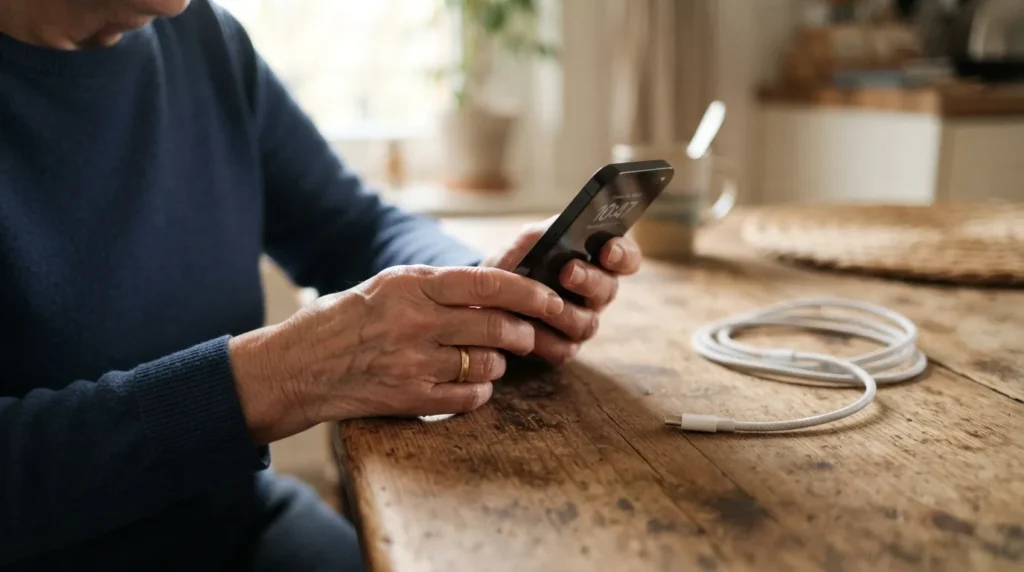
A Call From a Sarasota Client
I got a call from a client in Sarasota last week. Her iPhone 12 had stopped charging.
She had already tried a few things on her own. A couple of other people had looked at it too before I got there. Nobody could get it to show any life at all.
What I Tried First
I brought my own charger and cable with me, since a bad cable is one of the most common reasons a phone won’t charge. I plugged it in and left it alone for a good 20 minutes.
Nothing. No charging symbol, no sound, no screen. At that point I was confident the phone itself had failed. This wasn’t a cable problem or a dirty charging port. The phone was done.
An iPhone 12 is a few years old at this point, so a battery or internal failure isn’t unusual. It doesn’t send a warning first. One day it works, and the next it doesn’t turn on at all.
A repair shop could likely replace the battery and bring it back to life. But an iPhone 12 is already several years behind the current models, so a repair only buys a little more time on an older phone. Her family decided it made more sense to put that money toward a newer phone instead.
If you want to know more about what I look at during a visit like this, I cover it on my smartphone and tablet help page.
The Question That Mattered More Than the Phone
Once I told her the phone was gone, her first question wasn’t about getting a new one.
She asked if she was going to lose her photos and her contacts.
That is the question I hear the most in moments like this. A broken phone is annoying. Losing years of photos of grandkids, or the phone numbers for your doctor and your family, feels like something much bigger.
Why I Couldn’t Give Her a Straight Answer
I had to be honest with her. I told her it depends entirely on when her phone was last backed up, if it ever was.
Here’s the part that made it hard to check. She doesn’t have an iPad, a Mac, or any other Apple device. Everything about her account and her backups lives only inside iCloud, tied to a phone that no longer turns on.
Without another Apple device signed into her account, I had no way to look up her backup history on the spot. I couldn’t tell her if her last backup was from yesterday or from two years ago.
What Happens Next
Her sister in Montana is ordering her a new iPhone. There’s a chance I’ll be the one picking it up from the Apple Store at UTC in Sarasota and setting it up for her once it arrives.
Until that phone shows up, there isn’t much to do. Her old iPhone won’t turn on, so there’s no way to force a backup from it now. Whatever exists in iCloud already is likely all there is.
If I do, the first thing I’ll check is her old account to see if anything can be restored. Sometimes a phone that won’t power on has still backed up automatically over WiFi without the owner ever knowing. Sometimes it hasn’t backed up in a long time. I won’t know for certain until I’m signed into her Apple ID on a working device.
Until then, I can’t promise her anything. That’s a hard thing to say to someone who’s already upset about a dead phone, but it’s the honest answer.
How to Check Your Own Backup Today
You don’t need a broken phone to find this out. A few minutes now can save you from the same uncertainty my client is facing.
If your last backup is old, or you don’t see one at all, fix that today rather than waiting until something happens to your phone. I wrote more about protecting what matters most in a guide to keeping family photos safe long term. A backup that runs automatically in the background does you no good if it was never turned on in the first place. This is one of the first things I check when I set up a phone or tablet for a new client, since it’s much easier to fix on a good day than to explain on a bad one.
- Open Settings, then tap your name at the top of the screen
- Tap iCloud, then tap iCloud Backup
- Look for the date and time of your last successful backup
- Turn on iCloud Backup if it isn’t already on, so your phone backs up automatically
A Phone Can Fail Any Day
Phones don’t usually give a warning before they die. My client’s iPhone 12 worked fine the day before it didn’t.
That’s really the lesson from this visit. Backups aren’t something to think about after a phone stops charging. They matter most on the ordinary days when everything still works.
I help seniors with exactly this kind of situation through in-home tech support in Sarasota. If you’re not sure your phone is backed up, or you just went through something like this, give me a call or send a message and we can sort it out together.